iOS App Showcase
CClocks
Transform your Home Screen, Lock Screen, and StandBy mode with premium, handcrafted clock & calendar widgets.
Visual Showcase
Swipe →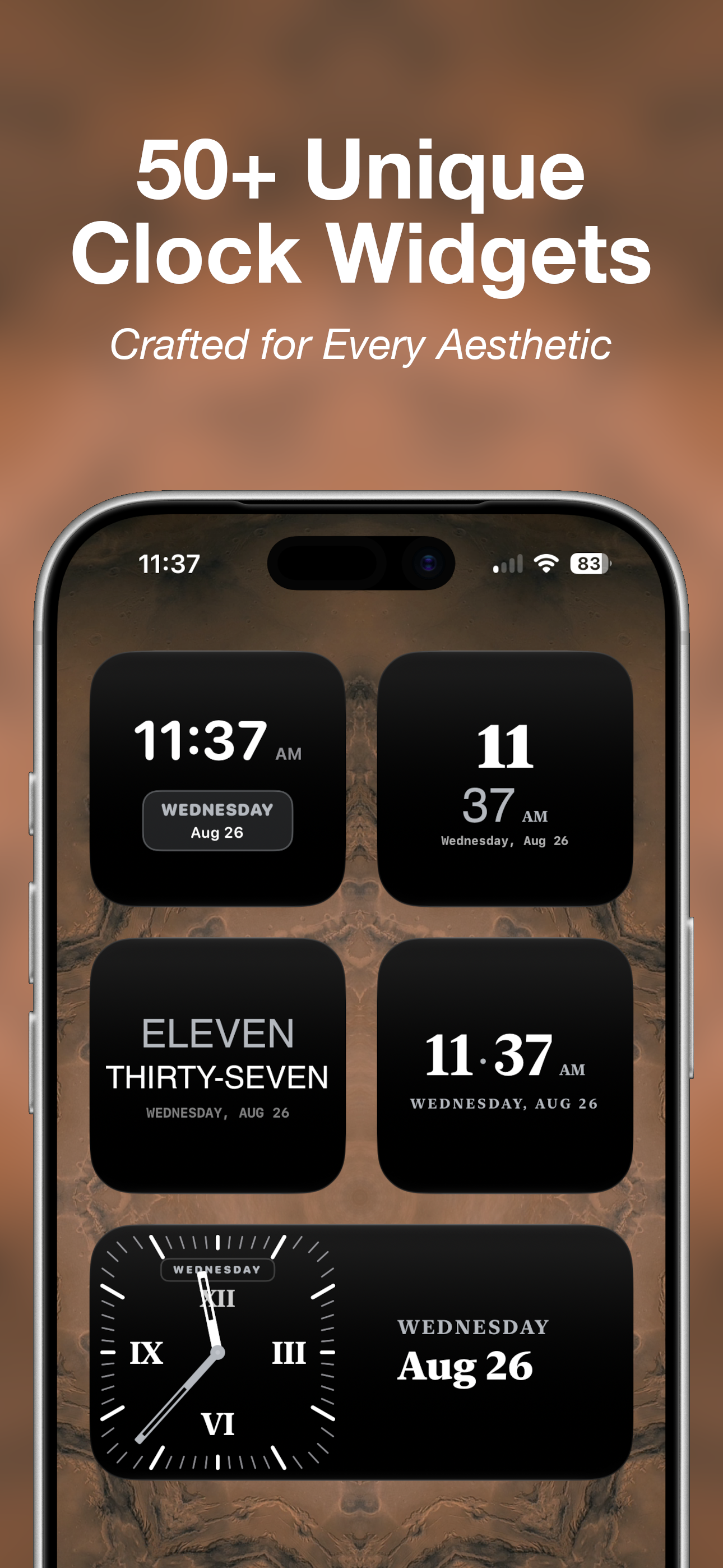
50+ Clock Widgets
From minimalist typography to classic analog chronographs.
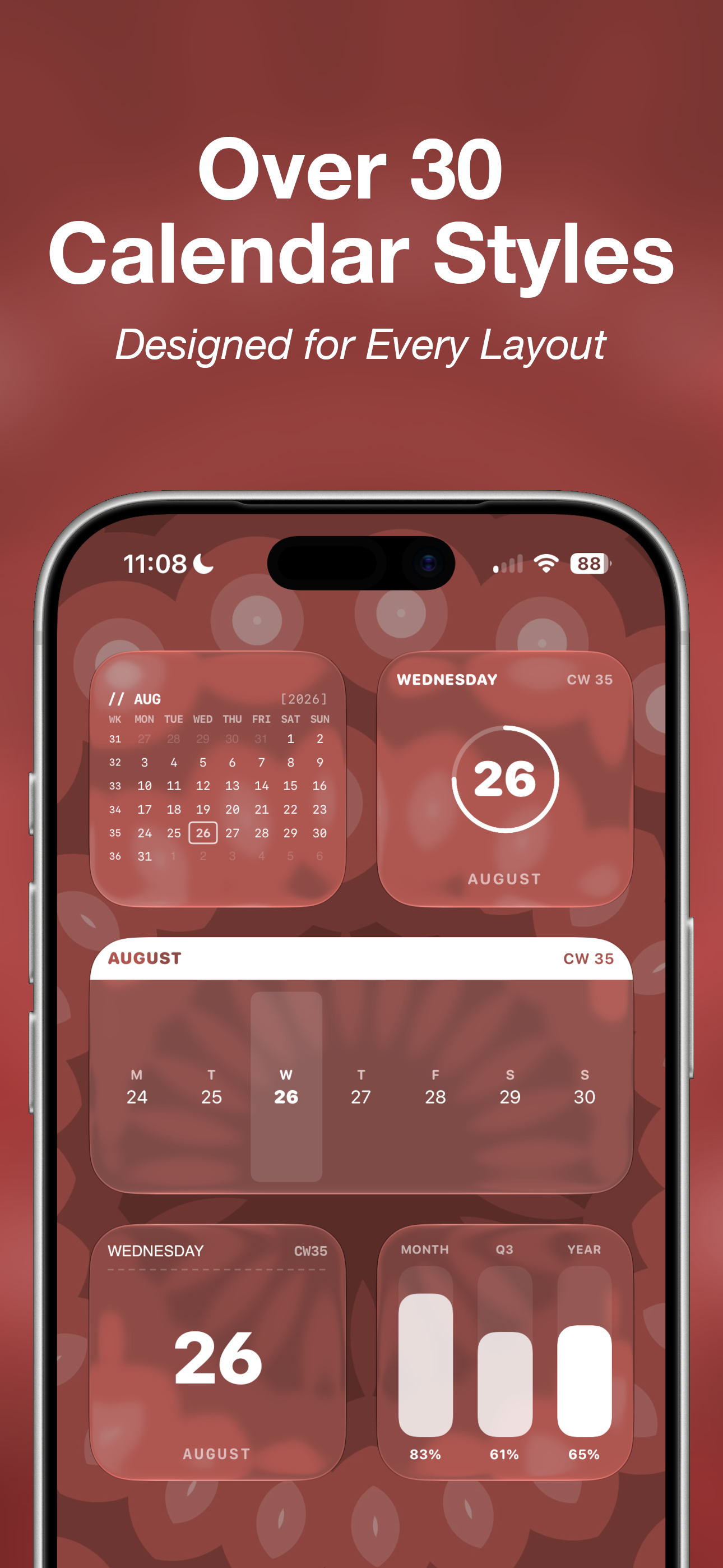
30+ Calendar Styles
Clean monthly grids, week progress, and day counters.
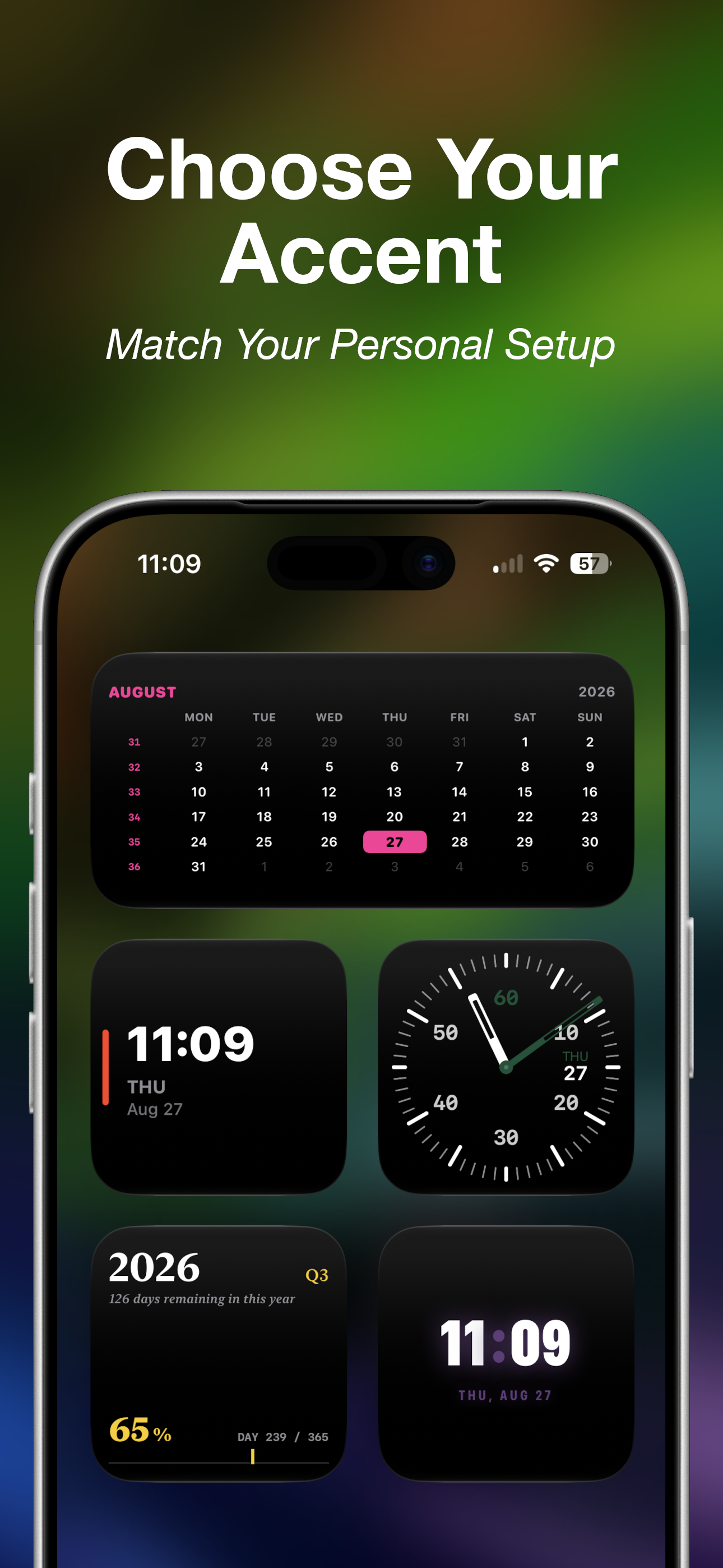
Custom Accents
Match your setup with custom color highlights and themes.
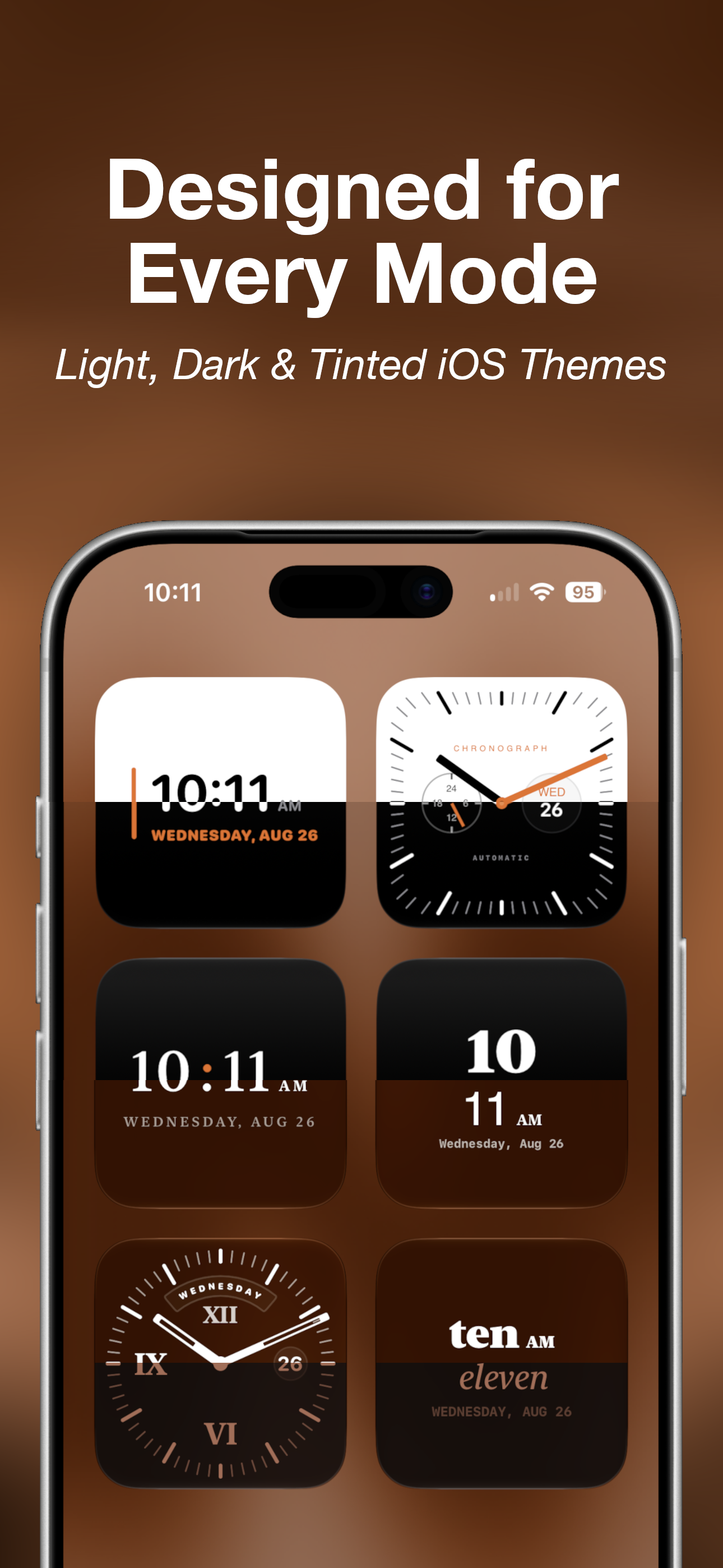
Native iOS Themes
Seamless support for Light, Dark, and Tinted Home Screens.
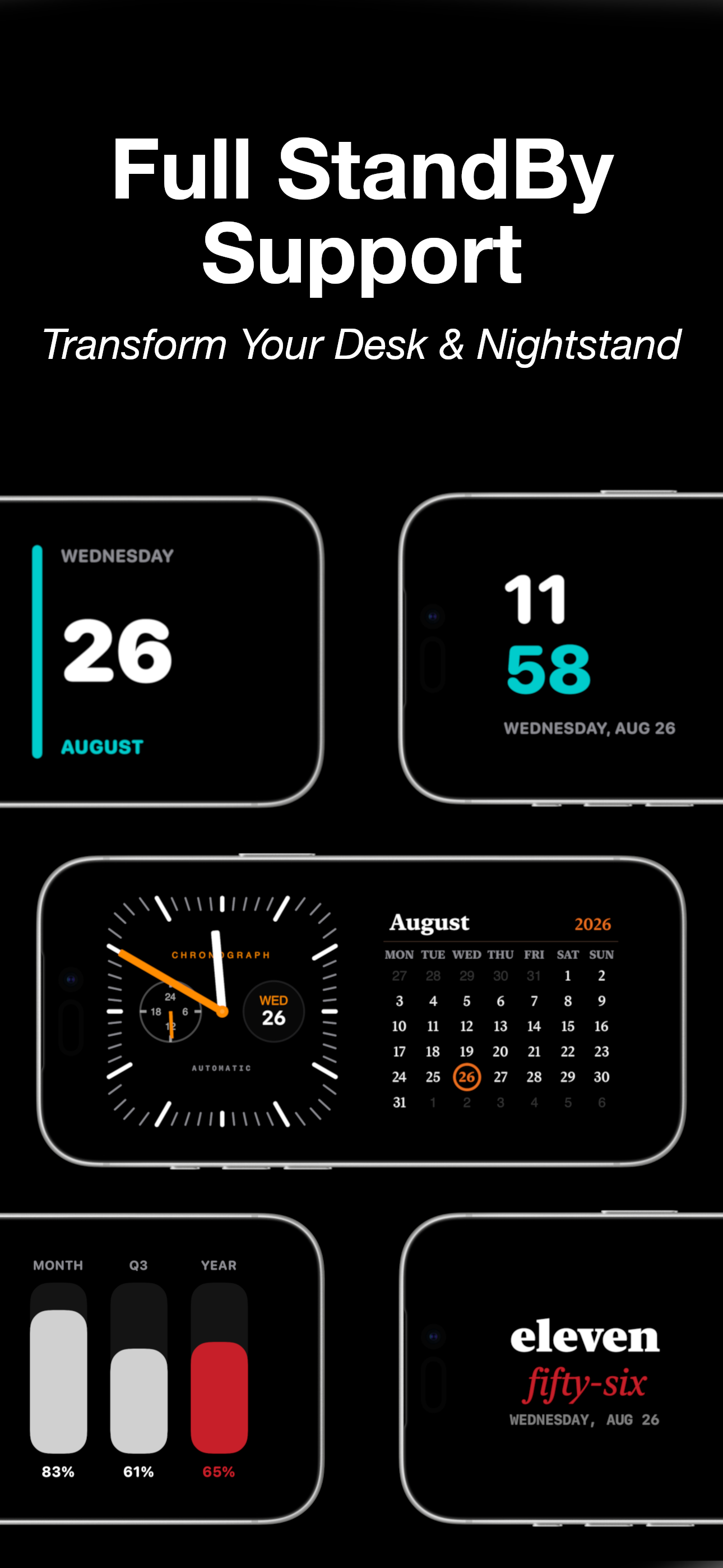
StandBy Mode
Transform your desk or nightstand while charging horizontally.
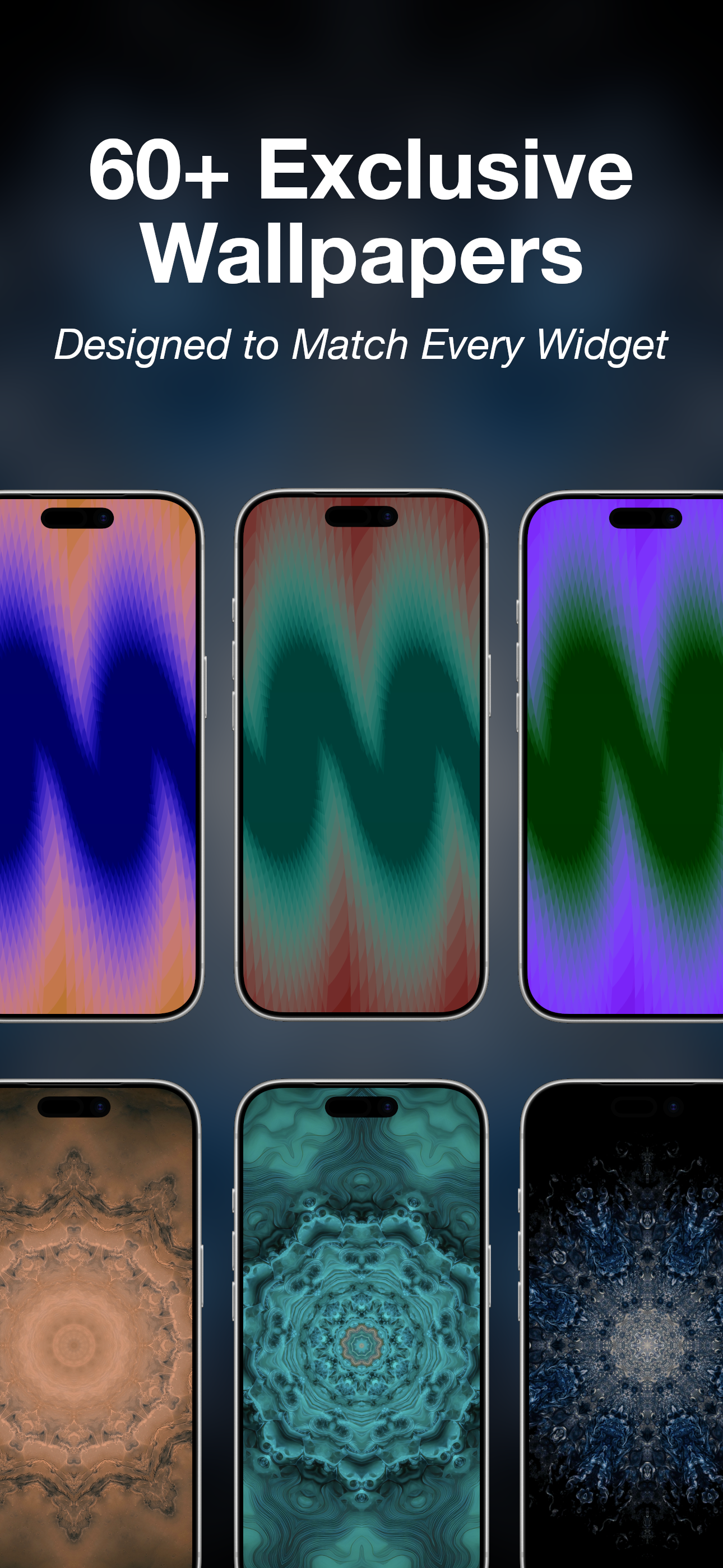
60+ Wallpapers
Hand-crafted backgrounds designed to match every widget style.
Quick Guide — How to Setup
1
Long-press your Home Screen until apps jiggle, then tap the '+' icon in the top left corner.
2
Search for 'CClocks', choose your preferred widget size, and tap 'Add Widget'.
3
Long-press your new widget, select 'Edit Widget', and pick your favorite style!
Your Choice — Try Free or Go Pro
Enjoy Free
Access essential widgets and designs completely free, forever. No hidden pressure.
Upgrade to Pro
Ad-FreeUnlock all premium designs, full wallpaper downloads, enjoy a 100% ad-free experience, and support development!